
 Netflix
 Claude
 ChatGPT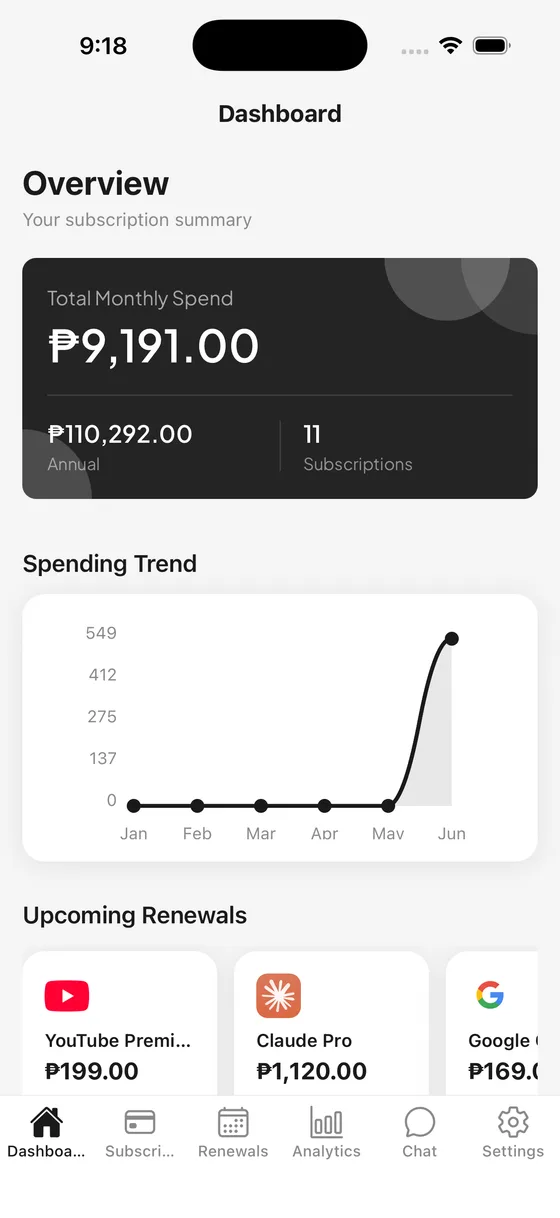
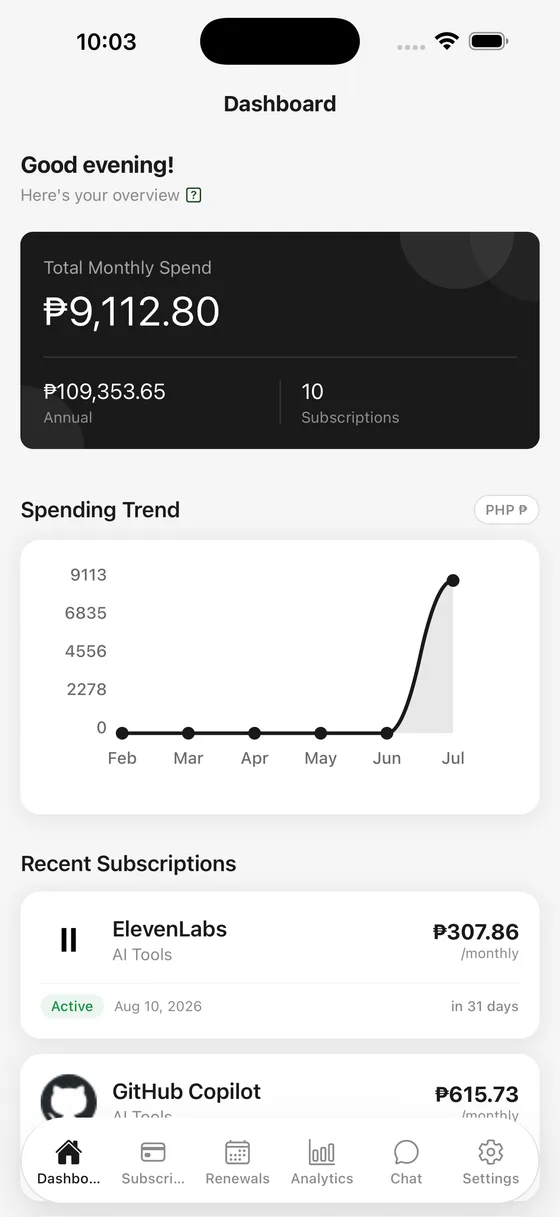
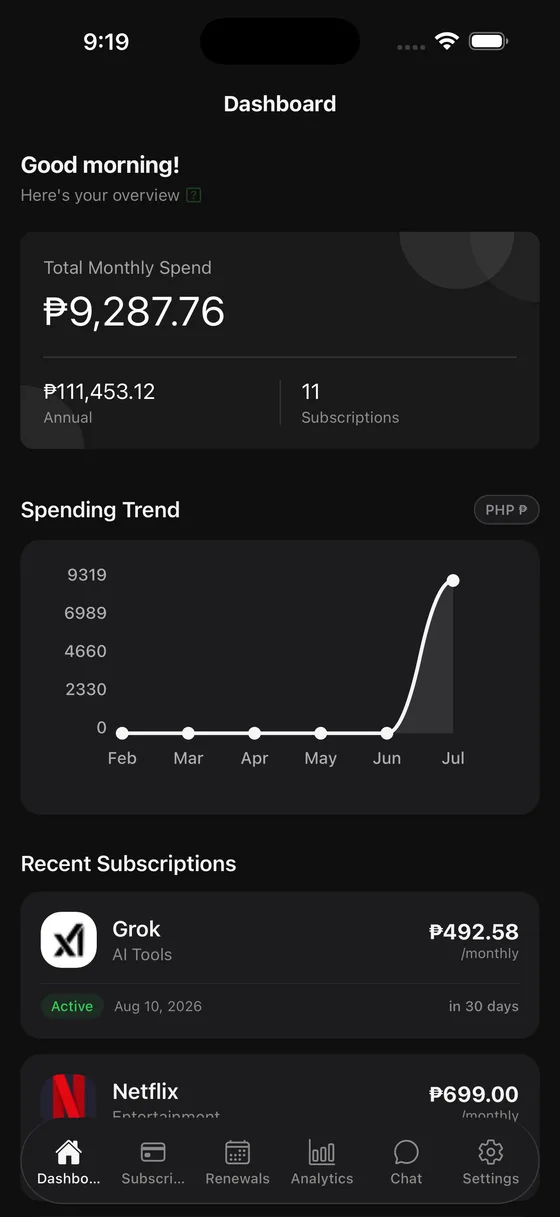
A dashboard that adds up
See your monthly and annual spend at a glance, with every active subscription in one calm view.
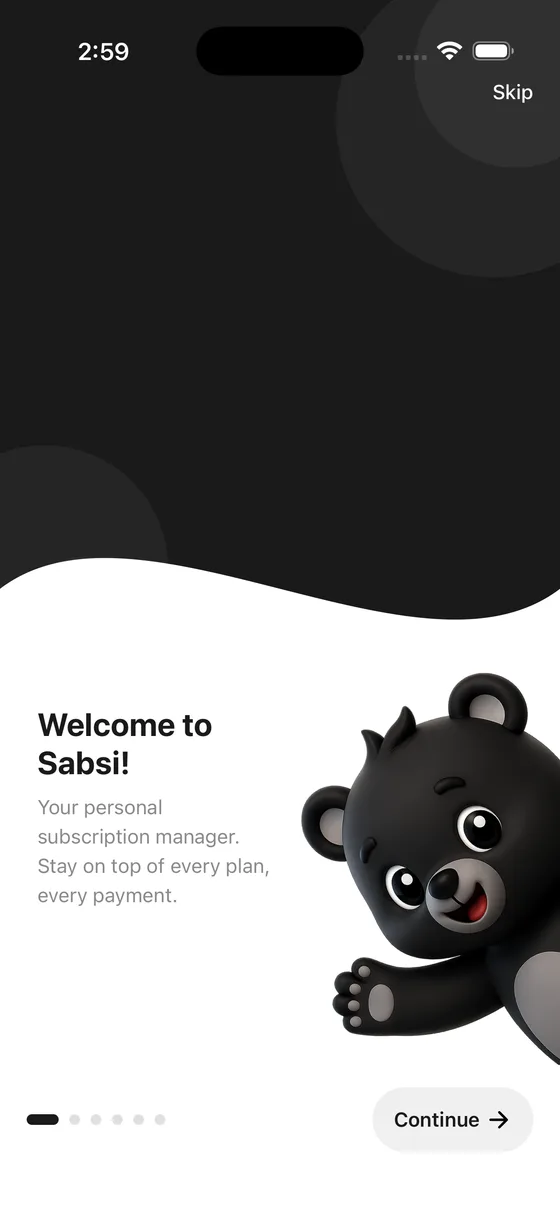
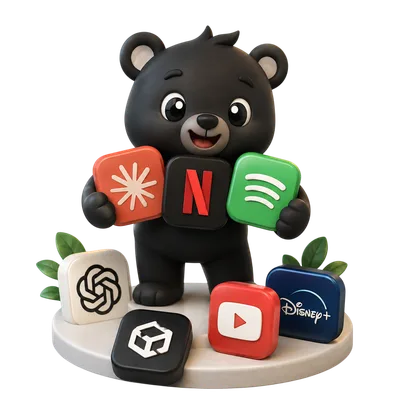
One beautiful app to track all your subscriptions, get smart renewal alerts, and understand exactly where your money goes.
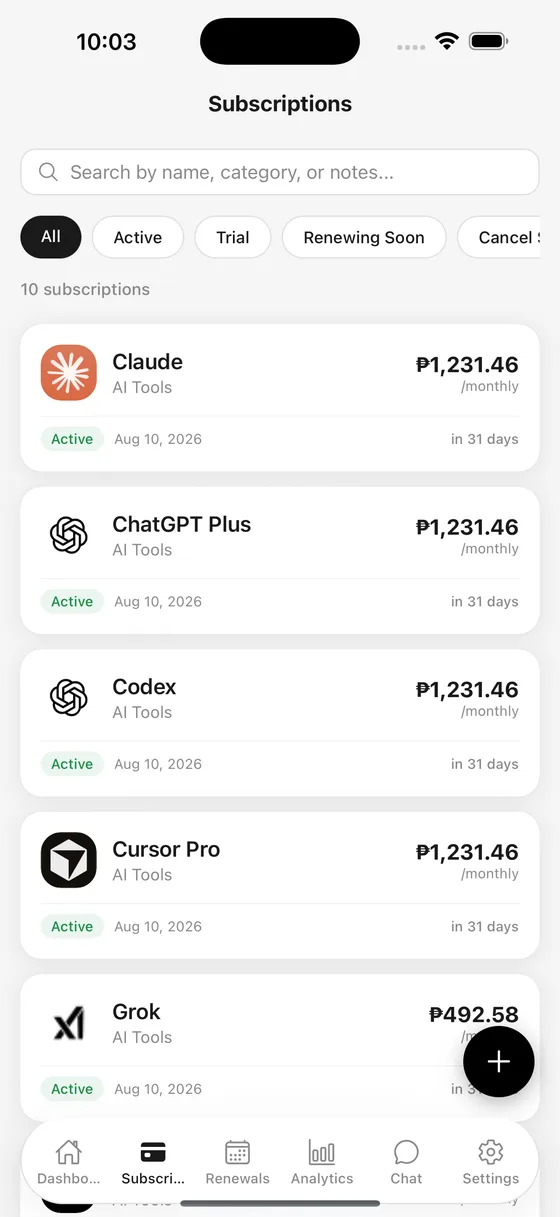
Tracks everything you subscribe to
Features
See your monthly and annual spend at a glance, with every active subscription in one calm view.
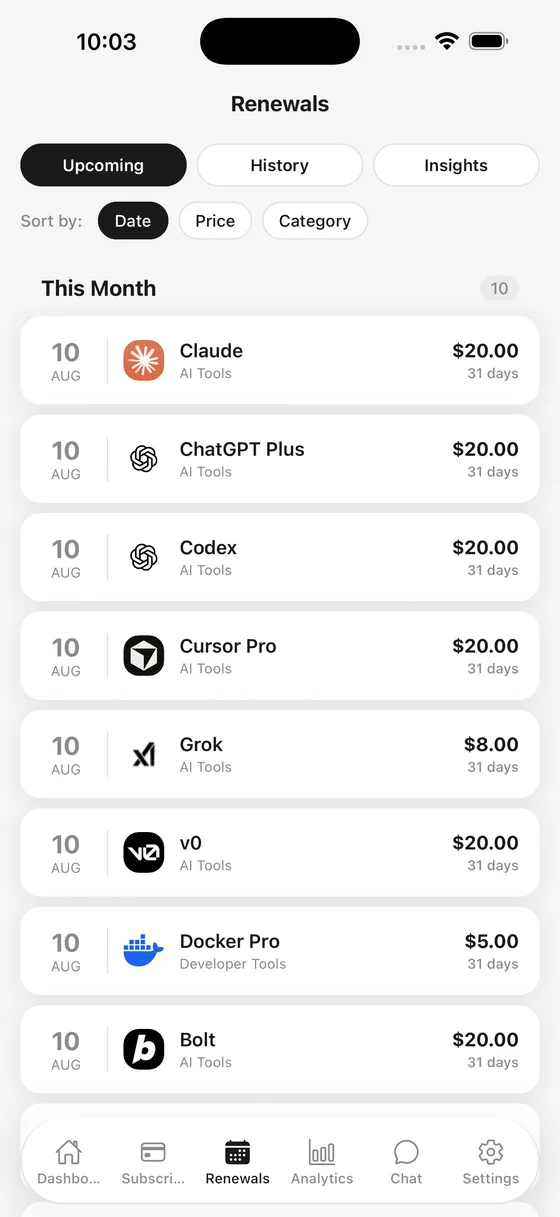
Get gentle alerts before anything renews, and confirm or skip with a single tap.
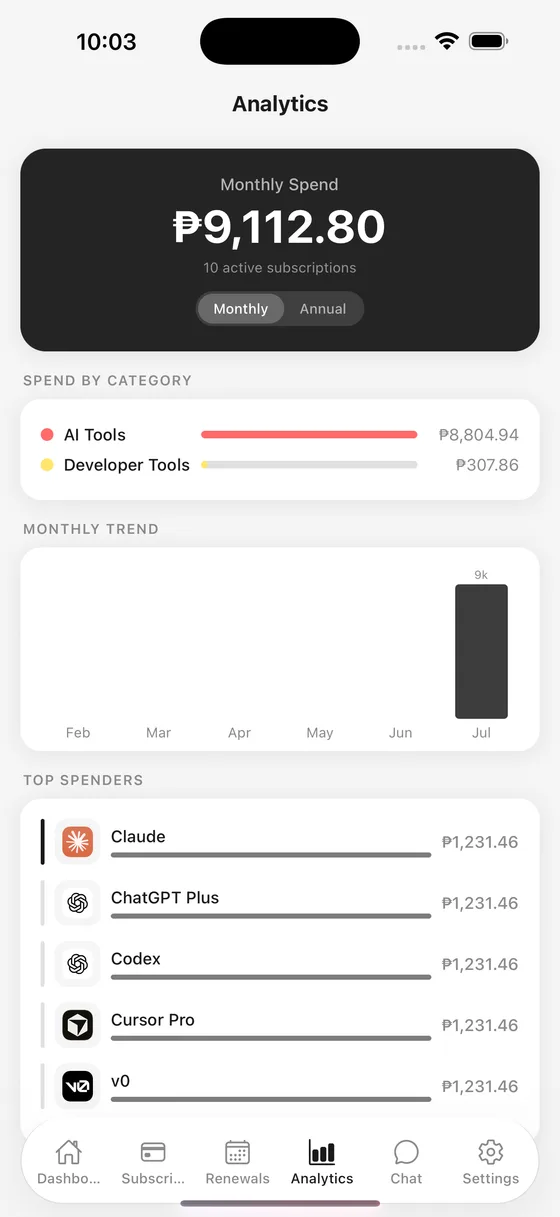
Sabsi spots overlapping services, high-spend categories, and quiet trials about to charge.
How it works
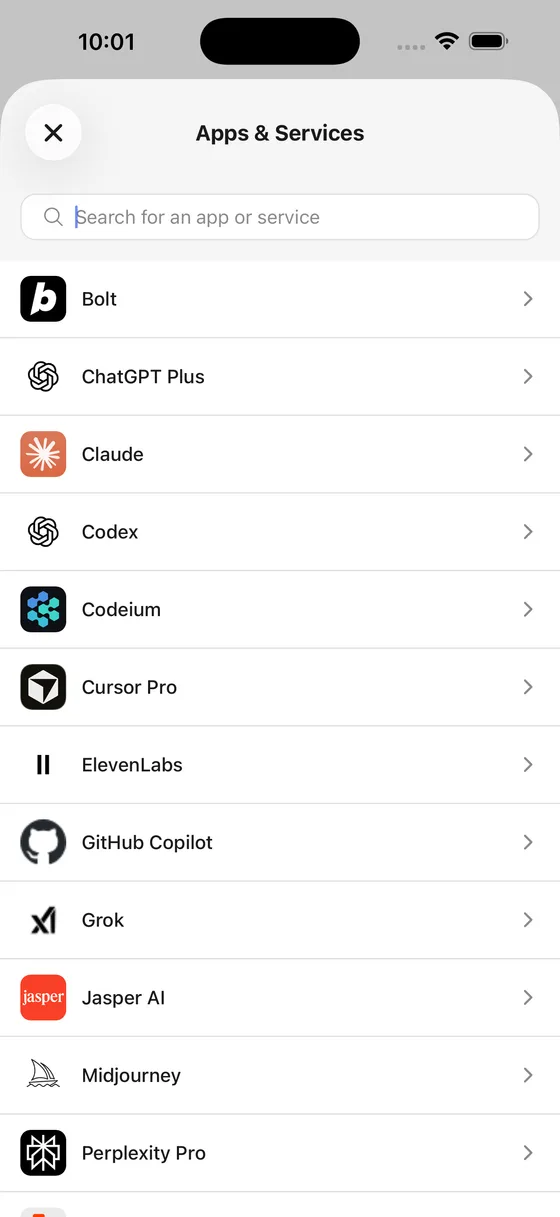
Quick-add suggestions for the apps you actually use, plus a clean form for everything else. Set price, billing cycle, currency, and renewal date.
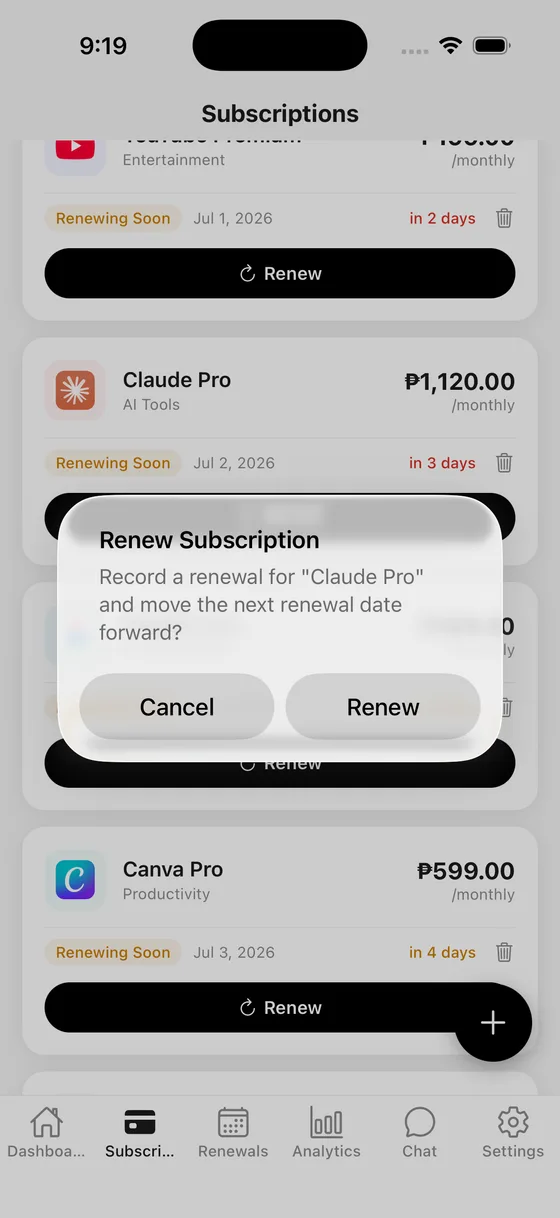
When something is about to charge, Sabsi asks. Renew to roll the date forward, or skip and decide later — your history stays tidy either way.
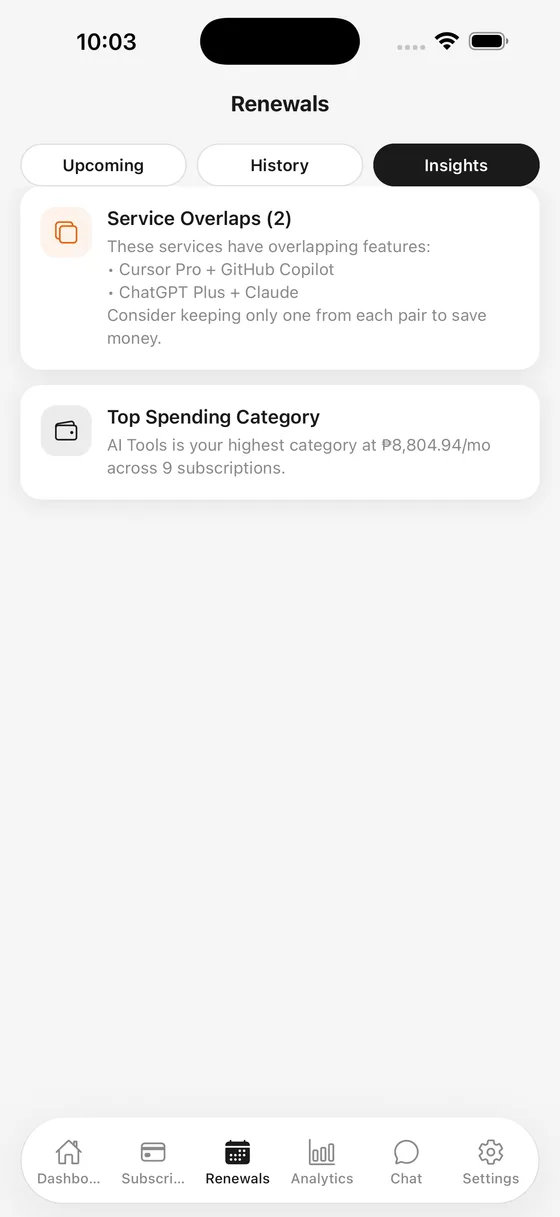
Annual spend, top categories, overlapping services, and the week's renewals — all in one quiet Insights tab.
Onboarding
A short walkthrough gets Sabsi set up in under a minute — no account, no clutter, just what you need to start tracking.
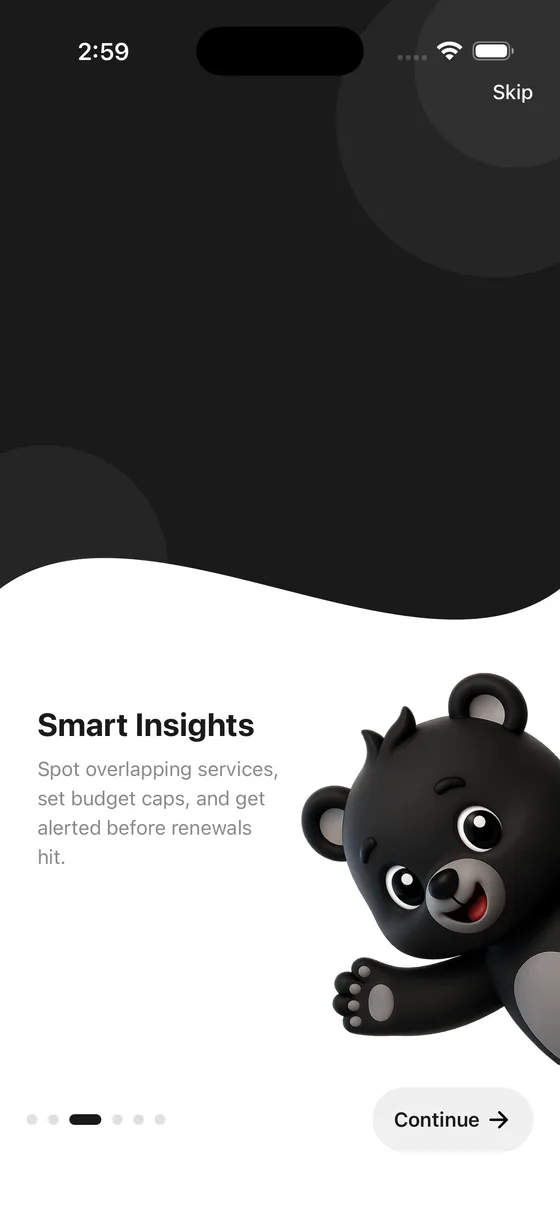
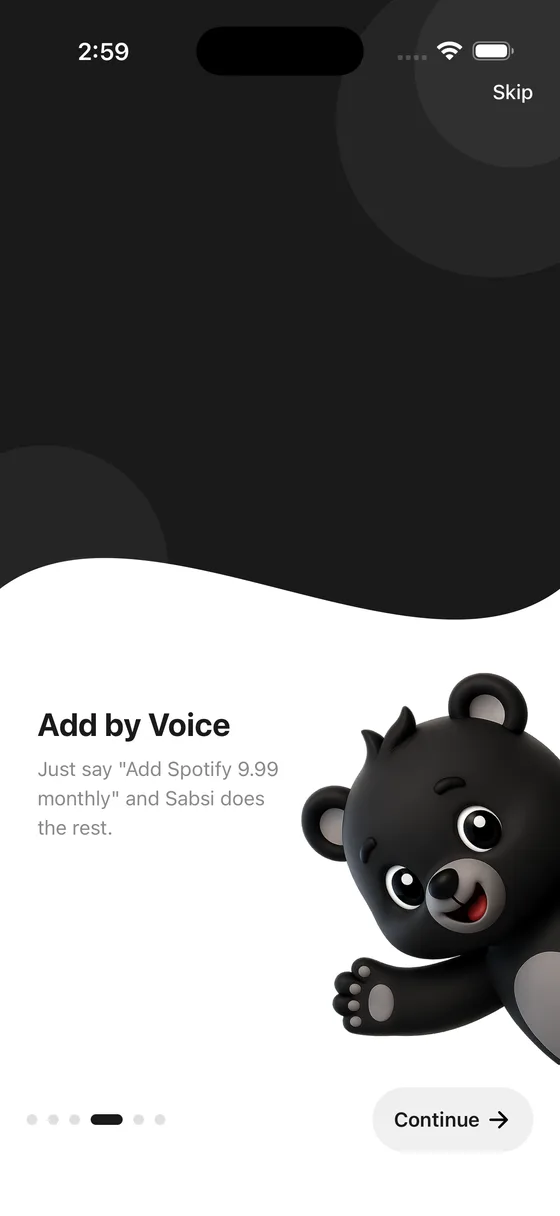
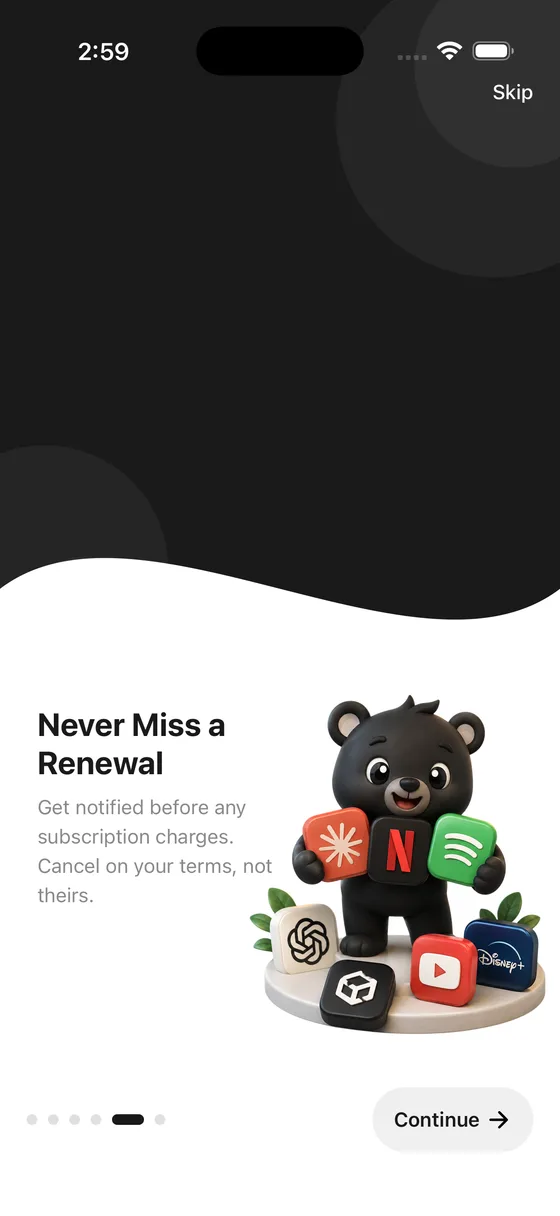
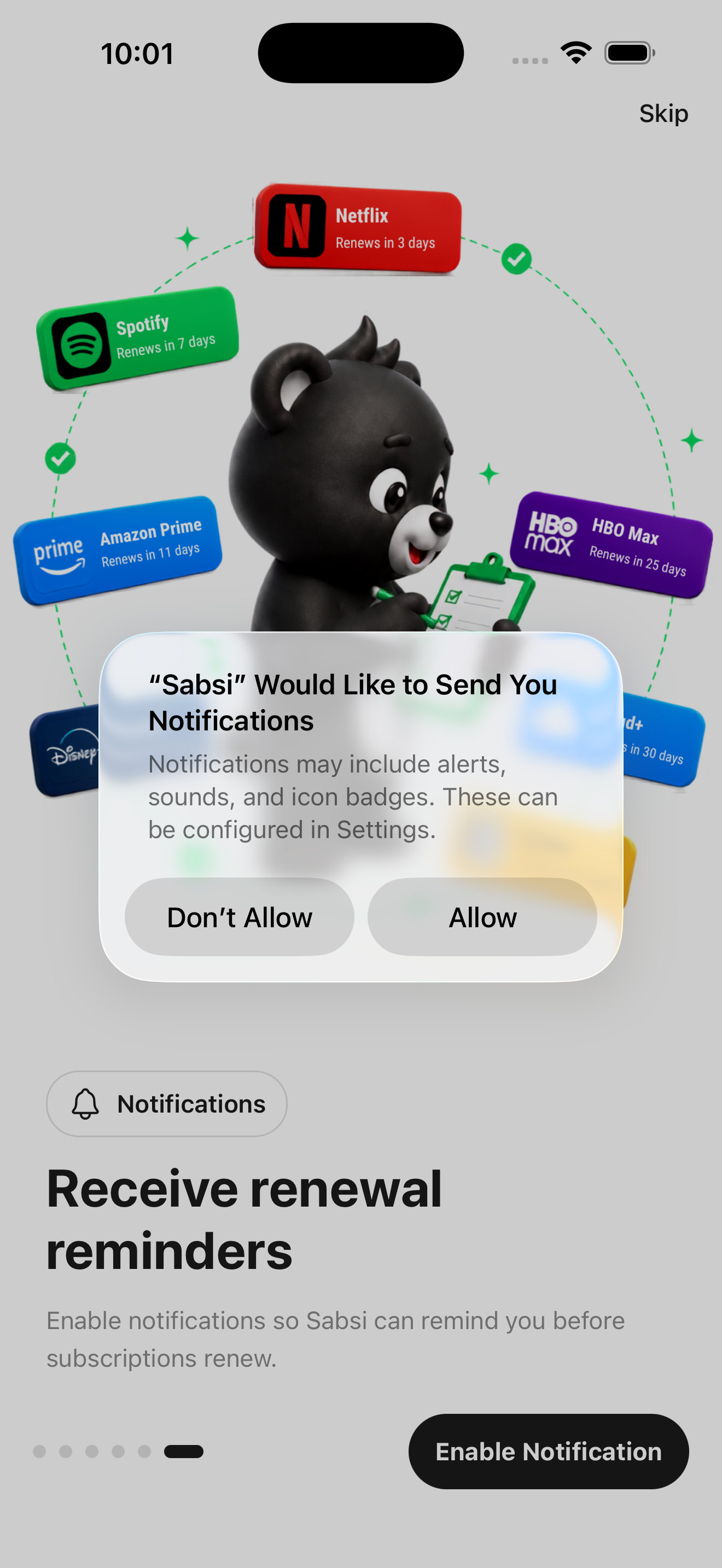

That's it — Sabsi is ready, and every renewal is already on your radar.
Appearance
Switch to Light, Dark, or let Sabsi follow your system setting automatically.

Meet Sabsi
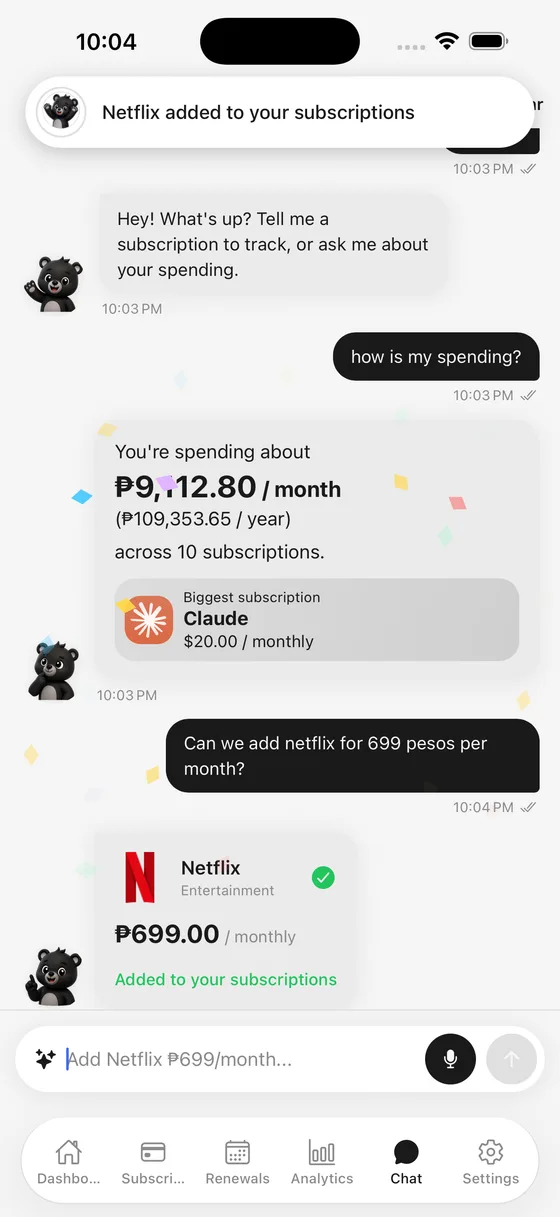
"Add Cursor Pro 20 usd per month." That's it. Sabsi parses the price, currency, and cycle, picks the right icon, and drops it into your list.
Why Sabsi
Buy it once, own it forever. Just your money, fully in your control.
Powered by Apple Intelligence so you can understand your spending without giving up your privacy.
Buy Sabsi once and own it forever. No monthly fee, no upsells, no surprise charges.
No accounts. No servers. No ads. Sabsi runs on your iPhone — your data never leaves it.
Private by design. Optional iCloud sync keeps your devices in step, end-to-end encrypted by Apple.
FAQ
Download Sabsi and have every renewal under control by this time tomorrow.